SubSeeker
Search every subtitle. Jump to any moment.
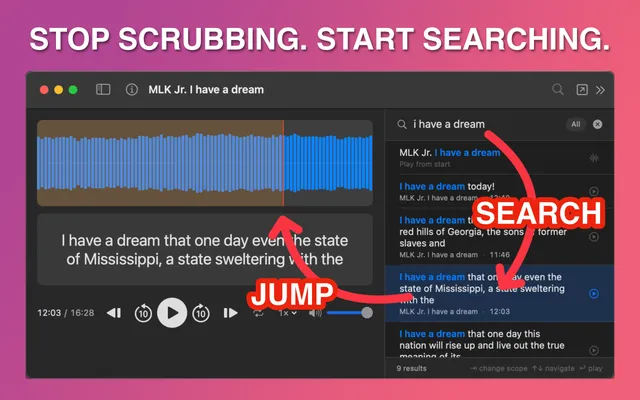
Search Any Subtitle
Type a word or phrase and instantly find every moment it's spoken. Click any result to jump straight to that timestamp.
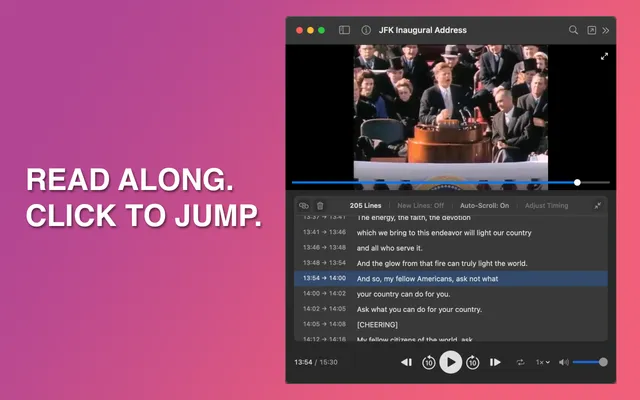
Interactive Transcript
Subtitles scroll in sync with playback so you can follow along line by line. Click any line to jump right to it.
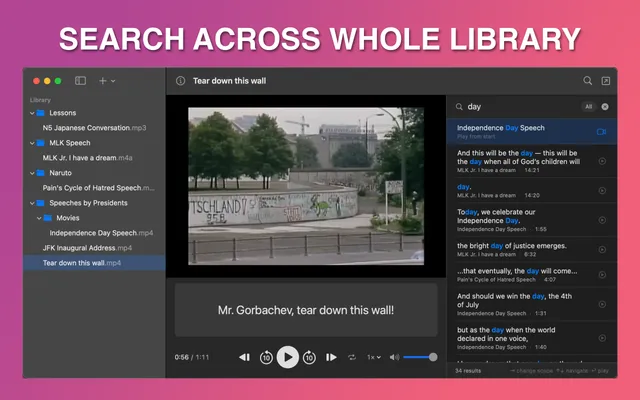
Search Just the Current Media or All Media
Search across a single file or your entire imported library. All results show up in one place.
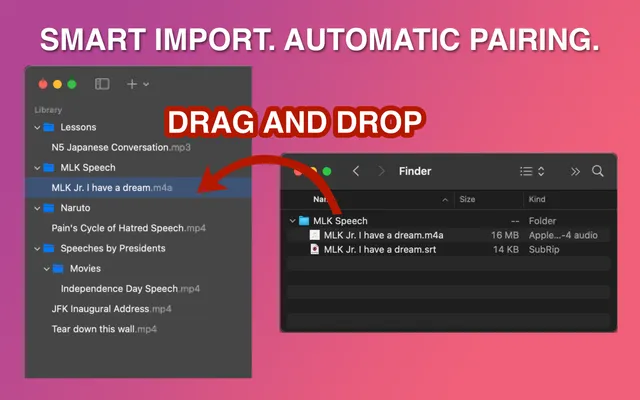
Automatically Import All Your Files
Drag and drop your media files. SubSeeker automatically pairs audio and videos with their matching subtitle files, so you don't have to.
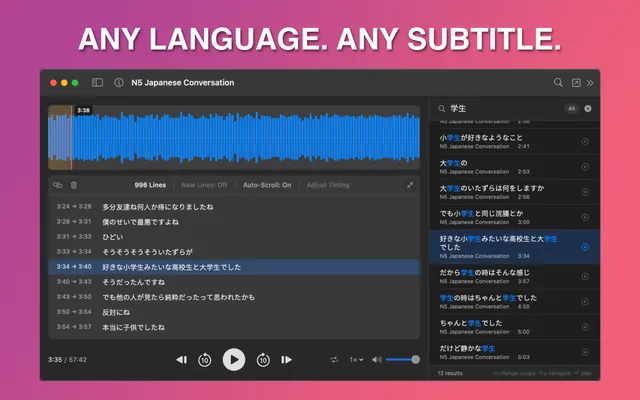
Work with Any Language
Support subtitles in any language and common formats like SRT, VTT, and more. Study Japanese, review a lecture in Spanish, or follow along in English.